July Follow-Up: What's New in MeshShadow

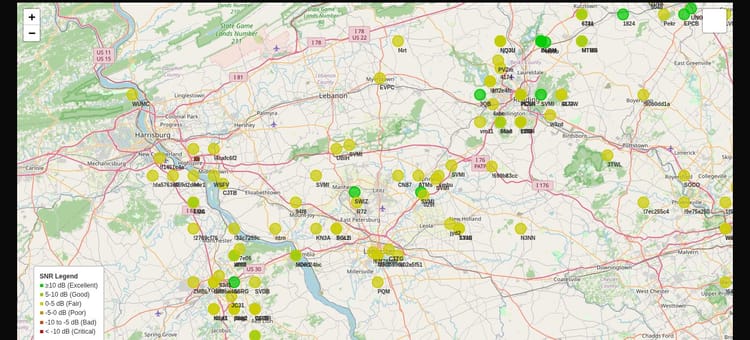
Last month's recap left a number hanging. map.nepamesh.com and propagation.nepamesh.com, NEPAMesh's two dashboards, reported node counts that weren't in the same neighborhood: 803 against 2,455. We said at the time we didn't have a clean explanation yet.
We do now. Part of it turned out to be a passenger jet.
The Jet in the Node List
propagation.nepamesh.com runs on MeshShadow, the monitoring tool behind NEPAMesh's RF analytics. Going through its node list looking for stale entries, one stood out: a node reporting an altitude of 12,836 meters, about 42,000 feet. NEPA doesn't have terrain anywhere close to that. The next position fix, 95 seconds later, put it 17.7 kilometers away. The one after that, 146 seconds later, another 35 kilometers. Worked out as ground speed, that's 669 to 872 kilometers per hour, in a straight line, at cruise altitude.
That's not a node with a GPS glitch. That's an airliner.
It's not the first time this has happened. Regular readers may remember June's recap, which turned up a T-Deck running Meshtastic at 39,000 feet on a commercial flight. This wasn't that node, different ID, different altitude, but the same basic situation: somewhere out there, an airplane passenger has Meshtastic running, and every so often a ground station catches it.
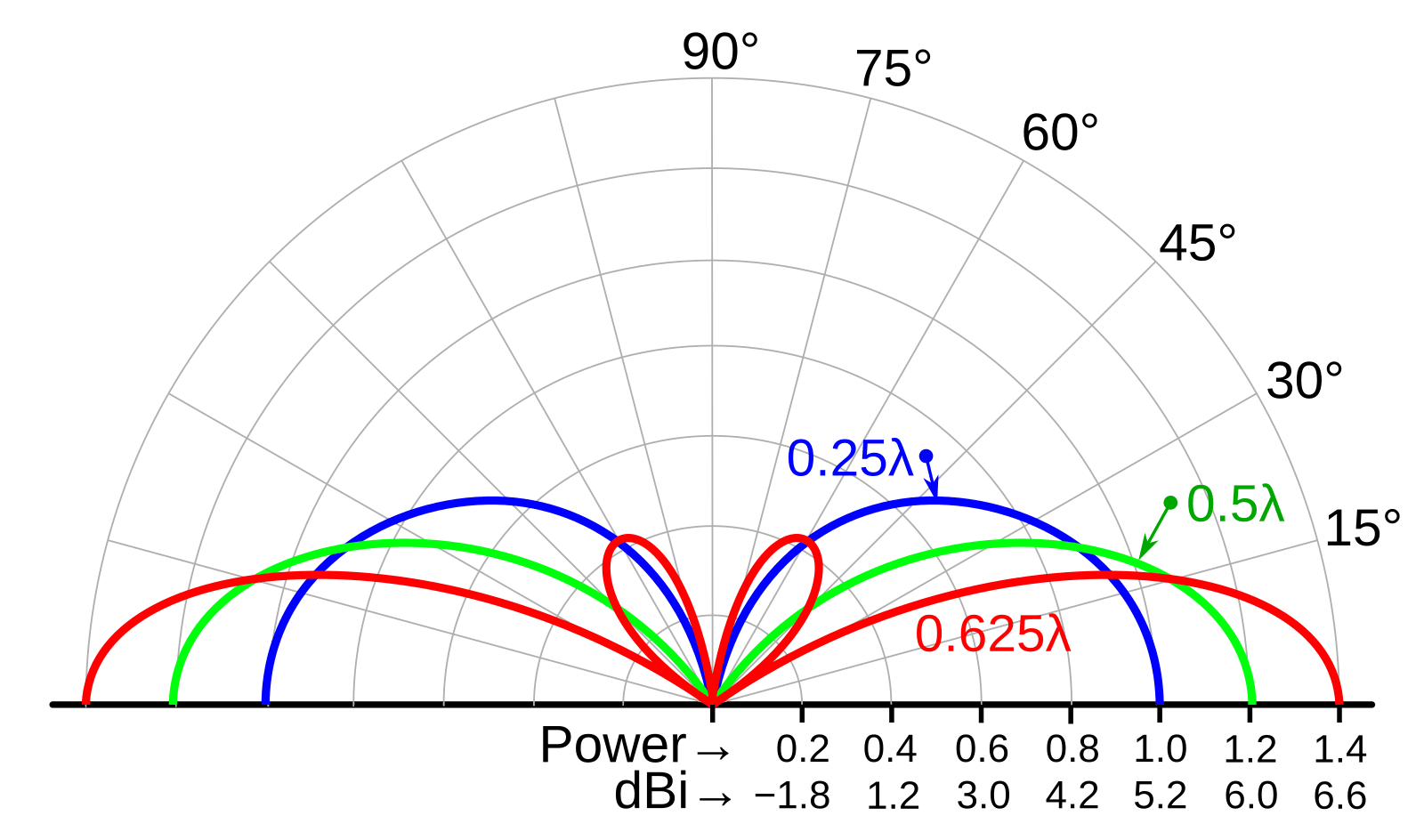
A plane at cruise altitude has a radio horizon measured in hundreds of kilometers instead of the usual tens. For a few minutes, it can look like a wildly capable node with reach no ground station could match. Then it's gone, on to the next state, and whatever picked it up is left with a node in its database that looks like a permanent, impossible outlier.
MeshShadow now flags any node reporting an altitude over 2,000 meters as airborne. It stays in the database, so the historical record is intact if anyone wants to go looking, but it no longer counts toward coverage, shows up on the shadow map, or gets treated as ground infrastructure NEPAMesh can rely on. We found two of them going back through the data. Only one had the speed track to confirm it as a plane and not a bad GPS fix; the other stayed at a fixed point about 20,500 feet up and 337 kilometers out, plausible for a plane on approach or holding, but not proven the way the first one was.
If you're the person running Meshtastic at cruise altitude, it's worth knowing what role your node is set to before you fly. A normal Client node relays other people's packets as well as its own, and staying on Client is exactly what some people want up there: a radio horizon stretching hundreds of kilometers means you'll see and relay nodes you'd never hear from the ground, which is half the fun of flying with one.
The tradeoff is that for the length of the flight, your node also becomes an accidental super-relay for whatever huge area you're passing over, gone the moment you land or lose line of sight. If that's not what you want, switching to Client Mute avoids it: your own position and telemetry still go out, so ground stations that catch you still catch you, but it stops forwarding other nodes' traffic, so the mesh underneath you doesn't briefly expand to the size of your flight path. It's under Settings > Radio Configuration > Device Role in the Meshtastic app if you want it.
Where the Rest of the Mismatch Came From
The jet explained one weird outlier, not a gap of over 1,600 nodes. The bigger piece was a filter that existed in the code but never actually ran.
MeshShadow has had a setting called MESH_REGION_RADIUS_KM for a while, meant to reject position reports from outside NEPAMesh's service area. NEPAMesh's MQTT feed pulls from the nationwide Meshtastic topic, not just local traffic, so without that filter, anything anyone anywhere runs through MQTT with a GPS fix can end up in the node list. The setting was there. The code that was supposed to enforce it was never actually called. Neither was the maintenance job meant to clean out nodes that were already in the database from before the filter existed.
Going through the database directly turned up nodes as far as 7,788 kilometers away, and several dozen sitting more than 200 kilometers out, some of them clustered up near the Canadian border, arriving over MQTT from other regional Meshtastic networks and never leaving. None of that reflects anything NEPAMesh's radios can actually reach. It was just accumulating.
Both gaps are closed now. Position reports outside the service radius get rejected the moment they arrive, and an hourly job clears out anything that slipped in before the fix. The very first run purged 30 stale nodes. The coverage and shadow-map calculations, which use the same node list, immediately got more accurate along with it: the area they were modeling shrank from an accidental nationwide footprint down to the roughly 190,000 square kilometers NEPAMesh actually covers.
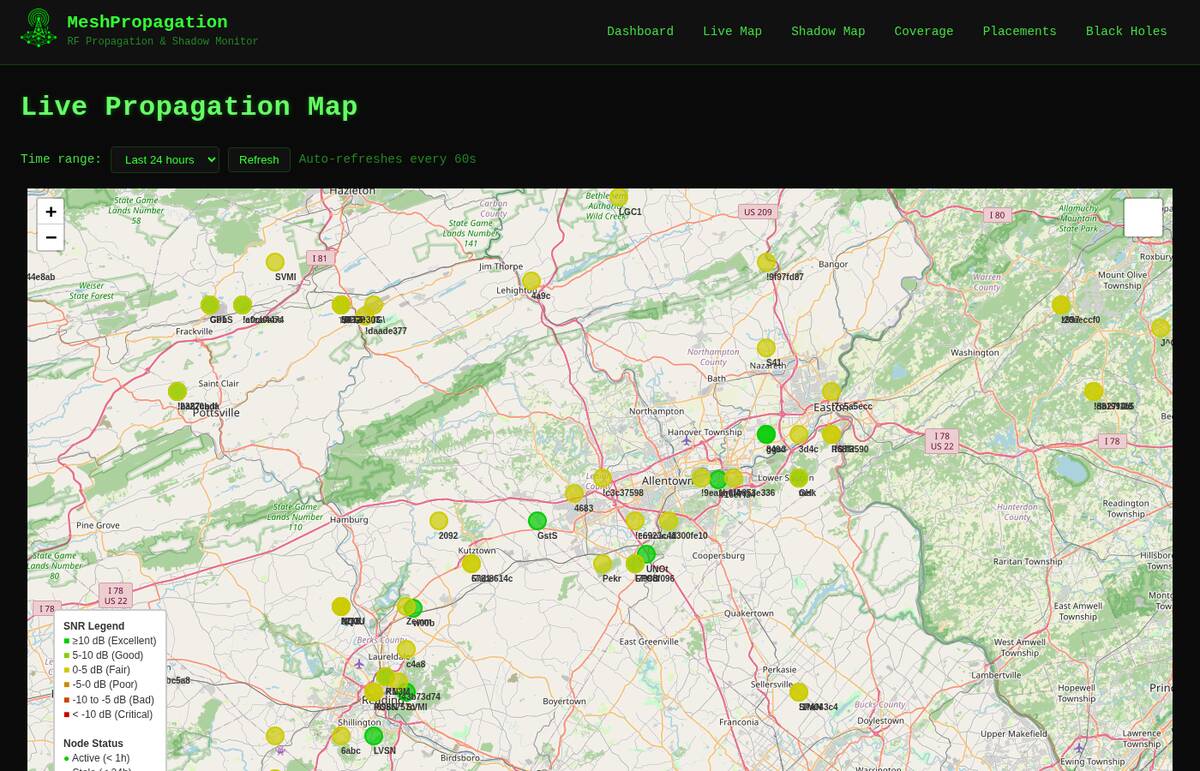
We'd like to say that fully closes the 803-versus-2,455 gap. It doesn't, not completely. map.nepamesh.com and propagation.nepamesh.com still count nodes on different windows and by different rules, and reconciling that fully is still open. But a meaningful chunk of that number was never real NEPAMesh coverage in the first place, and now it isn't sitting in the database pretending to be.
Watching the Routers, Not Just the Edges
The Sandworm and Chani investigation from last month's recap was done the hard way: sit and listen to the LongFast channel for five minutes, then twenty, then an hour, then three, then six, watching for one specific node's packet to show up at all. That's a real way to confirm a router is down. It's also a lot of a person's time to spend confirming something a machine should be able to watch continuously.
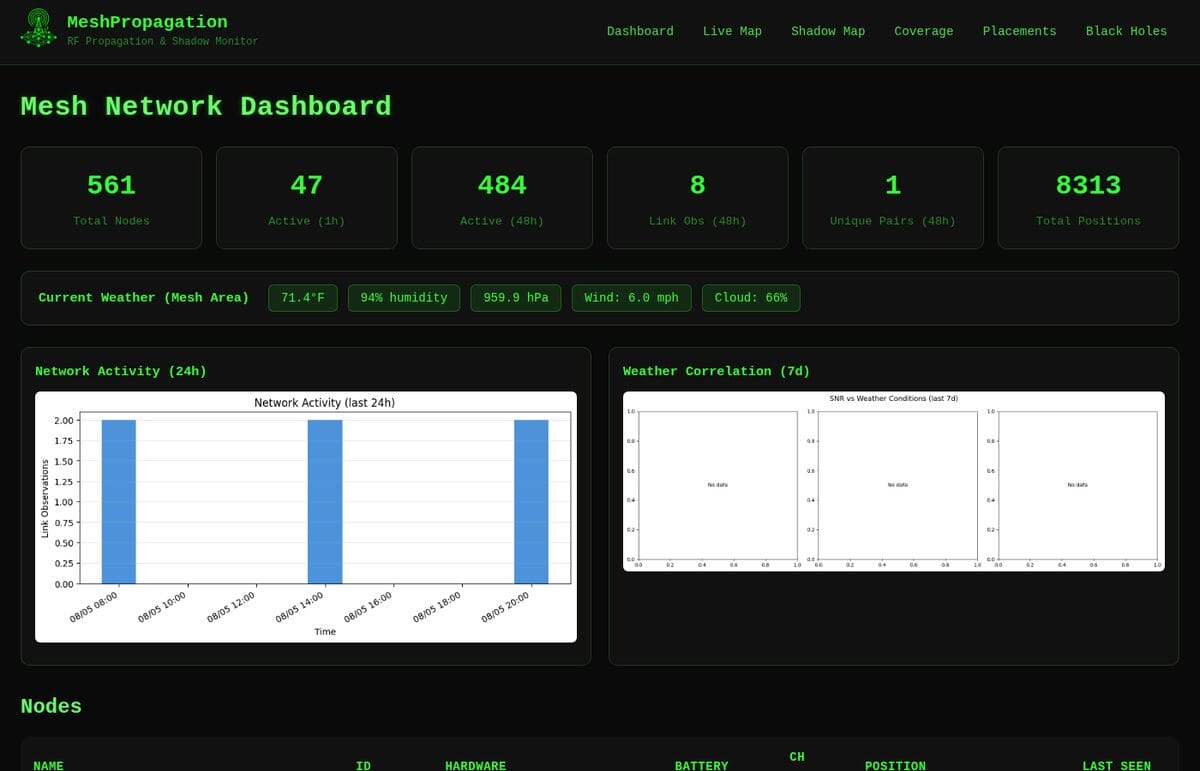
MeshShadow can now do that watching on its own. Any node with a router role, ROUTER, ROUTER_CLIENT, or ROUTER_LATE, gets tracked separately from ordinary client nodes. The default threshold is six hours, not coincidentally about the length of the manual listening session that first caught Sandworm's silence. Go quiet past that and it posts to the alert channel. Start reporting again, and it posts that too.
To be clear about what this does and doesn't do: it would not have told us why Sandworm and Chani went quiet. That still needed someone at the physical sites, and as last month's recap said, it's still an open question. What it does is cut the time between "a router everyone depends on goes dark" and "someone finds out" from however long it takes a person to notice a pattern in six hours of packet logs, down to six hours, automatically, every time, without anyone having to sit and listen.
Before It Goes Dark
Going quiet is the easy case to catch. The harder one is a router that's still transmitting but already in trouble, the way Chani was: alive, but arriving at -111 dBm with a signal-to-noise ratio near the noise floor, for who knows how long before it and Sandworm both went silent for good.
MeshShadow now watches for that too. Three things trigger a warning on a router specifically: battery draining fast (20 points or more in a day), battery readings swinging erratically instead of draining smoothly (a loose connection or a dying cell behaves differently than a battery that's just low), and link signal quality drifting well below that router's own historical average, not a fixed threshold, its own baseline. A router that's averaged 8 dB SNR for weeks getting flagged the day it drops to 2 dB catches the Chani pattern days before six hours of silence ever would.
These post to the alert channel with their own label so they don't read like a hard outage, and clear the same way they started: automatically, with another post once the router's back to normal.
Claim Your Node
If you run a router or a site NEPAMesh's coverage depends on, you can now tell MeshShadow's Discord bot to watch it specifically, on top of the general router alert.
/claim-node name:<name or node ID>
You can use whichever's easier to type: the node's short name or its full node ID. Both of these claim the same node, the BMBF bridge bot behind the Discord-to-mesh link mentioned throughout this post:
/claim-node name:BMBF
/claim-node name:!75e98740
Once claimed, you get a direct message if that node goes offline for 24 hours, and another one when it comes back. You'll also get DMed for the battery and signal warnings above, not just a hard outage, if it's a node you've claimed. /my-nodes lists everything you've claimed and its current status. /claims shows every claimed node in the network and who's watching it. /unclaim-node stops the watch.
One more piece: if a node you've claimed gets removed entirely, stale past a week of silence or purged as one of the out-of-region nodes from earlier in this post, you'll get a one-time DM saying why instead of the alerts just quietly stopping. /claim-node it again if it ever comes back.
This matters most for exactly the kind of node Sandworm and Chani turned out to be: something a whole area leans on to reach the rest of the mesh, run by one person who isn't necessarily watching a dashboard every day. If that's your node, claim it. You'll hear about a problem the same day it starts instead of whenever someone notices the BMBF bridge bot acting up again.
What's Next
The region filter and the stale-node cleanup are running hourly now, so the node count should stay honest going forward instead of slowly drifting back up. Router alerts, proactive health warnings, and claimed-node DMs are all live in the Discord. If you run a router, go claim it.
Sandworm and Chani are still an open case. If you're in the BMBF area and have an update, physical, radio, or otherwise, say so in the Discord.
NEPAMesh is a community Meshtastic network covering Northeastern Pennsylvania's Wyoming Valley. Live map at map.nepamesh.com. Questions in the Discord.
Meshtastic is a registered trademark of Meshtastic LLC. No warranty is provided. Use at your own risk. This post is not endorsed by or affiliated with Meshtastic LLC.