How Long Will Your Meshtastic Node Last on Battery?
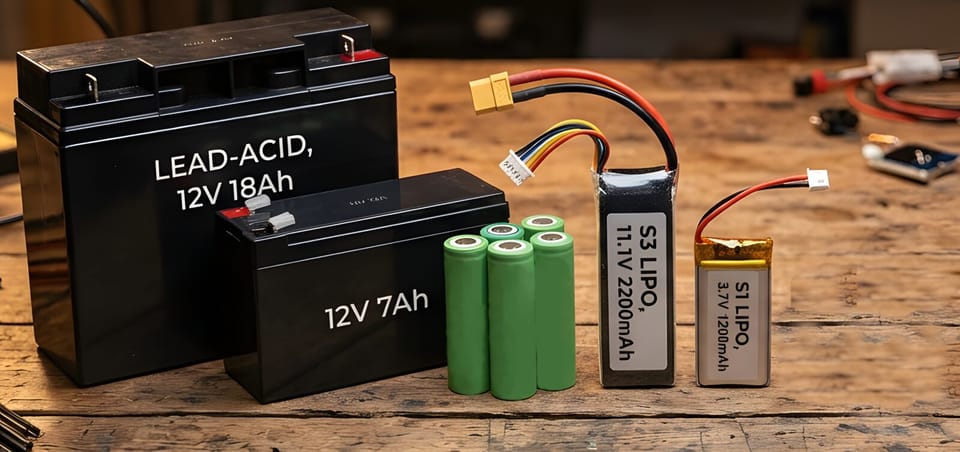
The most common question after building a portable Meshtastic node is some version of: how long will this last? The answer depends on four things, roughly in order of impact: chip platform, sleep mode, GPS, and transmit power. Get the first two right and everything else is a rounding error.
Chip platform: the biggest variable
nRF52-based nodes and ESP32-based nodes are not in the same league for battery life.
On a 1,100 mAh battery with default settings:
| Device | Chip | Runtime |
|---|---|---|
| Heltec V3 | ESP32-S3 | ~19 hours |
| Heltec V2 | ESP32 | ~30 hours |
| Heltec T114 | nRF52840 | ~220 hours |
| RAK4631 | nRF52840 | ~307 hours |
The RAK4631 runs thirteen days on the same battery that gives a Heltec V3 less than one. That gap exists because the nRF52840 has much lower idle current draw and no WiFi radio burning power in the background. nRF52 BLE power consumption is so low it barely registers in measurements.
If you're building a node that needs to run for days without a charge, the chip choice is settled: go nRF52.
Sleep mode on ESP32
If you have an ESP32 node, enabling light sleep is the single most effective thing you can do short of swapping hardware.
In light sleep, the CPU suspends but the LoRa radio stays on. The node can still receive packets and wake to relay them. What goes off is Bluetooth, WiFi, and the screen. That's where most of the idle current goes.
With light sleep enabled on a 1,100 mAh battery:
| Device | Default | Light Sleep |
|---|---|---|
| Heltec V3 | ~19 hours | ~44 hours |
| Heltec V2 | ~30 hours | ~74 hours |
Enable it under Settings > Power > Power Saving. The light sleep interval defaults to 5 minutes. Longer intervals mean the node stays asleep longer between checks, which extends runtime further but increases message latency. For a mobile node you're actively using, the default is fine. For a semi-fixed relay node running on battery, try 30-minute intervals.
nRF52 devices don't use this setting. Their low-power behavior is handled at the hardware level and is always active.
GPS
A continuously active GPS module cuts runtime by 50-70% depending on device. The fix depends on your use case.
Fixed-position node: set a manual position and disable GPS entirely. In the app: Settings > Position > Set Position for your coordinates, then disable GPS hardware. The node reports its position correctly from the fixed coordinates without ever powering the GPS module.
Mobile node: GPS needs to run, but you can reduce the broadcast interval. Default position update interval is 15 minutes. For most uses, 30 or 60 minutes is fine. The node still knows where it is; it just reports less often. Find it under Settings > Position > Position Broadcast Interval.
If you're connected to your phone via Bluetooth, the app can provide position from the phone's GPS instead. That keeps the node's own GPS off entirely while still giving you a position on the map.
Transmit power
Transmit power has less impact on average runtime than people expect, because transmissions are brief. A 27 dBm transmission pulls close to 1A for about a second. At typical mesh traffic levels, that's still a small fraction of your total power budget compared to idle consumption over hours.
That said, reducing transmit power from max does meaningfully extend runtime on high-traffic nodes or in environments where the node transmits frequently. The default setting of 0 in Meshtastic means "use the legal maximum for your region," which for the US is 30 dBm on the SX1262. For a node with good antenna placement and nearby mesh neighbors, dropping to 17-20 dBm gives comparable effective range with noticeably lower transmit current draw.
Change it under Settings > LoRa > Transmit Power. Don't drop it so low that your node stops reaching its nearest neighbors. If in doubt, leave it at 0.
The screen
OLED screens draw around 10 mA continuously. On a node running for days, that adds up. Most Meshtastic devices let you set a screen timeout. If the screen is just showing status you don't look at, set it to turn off after 30 seconds. On a T-Deck or any device you use as a terminal, let it timeout when not in use.
Practical numbers for NEPAMesh nodes
For a go-bag or portable node used actively: an nRF52 device with a 3,000-5,000 mAh USB battery bank runs three to four weeks on a charge with GPS disabled. With GPS on and position provided by a connected phone, plan for ten or more days at 3,000 mAh.
For a semi-permanent battery-backed relay: an ESP32 with light sleep enabled on a 10,000 mAh bank lasts roughly two weeks. An nRF52 on the same bank lasts two to three months.
For a solar node: nRF52 is nearly always the right answer. The solar panel and battery can both be smaller because the daily power budget is so low.
If you're on an ESP32 and runtime matters, enable power saving. It takes thirty seconds to configure and nearly doubles your runtime at no cost to mesh participation.
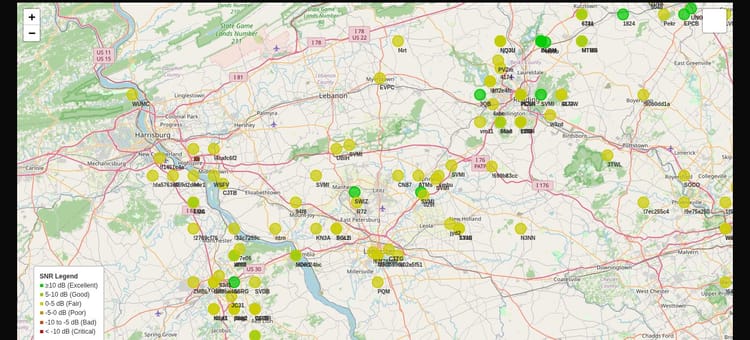
NEPAMesh is a community Meshtastic network covering Northeastern Pennsylvania's Wyoming Valley. Live map at map.nepamesh.com. Questions in the Discord.
Meshtastic is a registered trademark of Meshtastic LLC. No warranty is provided. Use at your own risk. This post is not endorsed by or affiliated with Meshtastic LLC.