August on the Mesh: The Node That Wasn't a Plane

Last month's recap ended with a promise: MeshShadow would start flagging any node reporting an altitude over 2,000 meters as airborne, so a passenger jet wouldn't quietly skew the network's numbers again. It's been catching things ever since. One of them, this month, wasn't a plane.
By the Numbers
All data pulled as of this writing.
map.nepamesh.com reports 1,133 total registered nodes, with 269 active in the last 24 hours (23.7% of the network). propagation.nepamesh.com reports 648 total nodes and 14,670 total position records, with 355 active in the last 48 hours (54.8%).
The two dashboards still don't match, but the gap is nowhere near where it sat in July. Back then it was 803 against 2,455, a network that looked three times bigger on one dashboard than the other. This month it's 1,133 against 648, closer to a 1.7x spread. That's the region filter from last month's MeshShadow update holding, keeping out-of-area MQTT traffic from padding one dashboard's count. It hasn't closed the gap completely, and the two tools still count on different windows and by different rules, but a meaningful chunk of the old mismatch stayed fixed.
There was no marathon listening session behind this month's numbers. MeshShadow's automated router watch, live since the July update, has been doing that job in the background instead of a person sitting with the LongFast channel open for six hours at a time. The passive total for the month: 14,218 packets logged since August 1, averaging -105.4 dBm RSSI and -9.1 dB SNR across the whole sample.
What the Airborne Flag Caught
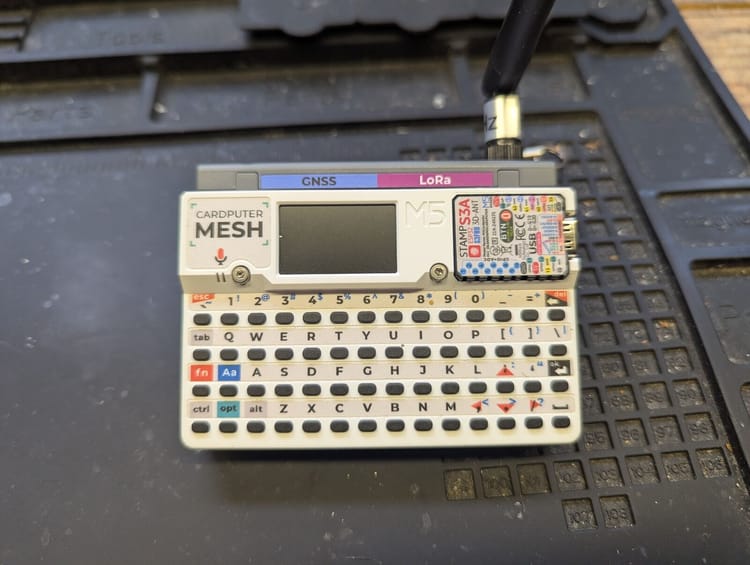
Going through MeshShadow's node list for anything flagged airborne this month turned up three nodes. Two have never sent a name, just a raw node ID with no matching NODEINFO packet, so there's nothing further to check on them. The third had a name: NQ3U-TDeck, a LILYGO T-Deck.
Its position history for the month runs 548 fixes, all in the week since it first showed up on August 24. Most of those fixes sit between roughly 150 and 190 meters, which tracks for the Wyoming Valley floor. But 60 of them, about 1 in 9, spike past 3,000 meters, topping out at 11,924 meters, above where an airliner cruises. Another 82 dip negative, as low as -1,012 meters, which would put the node well underground.
Last month's real jet didn't look like that. It showed a sustained climb across consecutive fixes and a consistent 669 to 872 kilometers per hour in a straight line, readings that built on each other into a track. NQ3U-TDeck's spikes don't build on anything. Each one sits alone between ordinary ground-level readings a few minutes apart, and the coordinates on either side of a spike track a person moving around the Wyoming Valley on foot or in a car, not a flight path. Altitude is the least reliable axis on a consumer GPS fix to begin with, and a handheld device warm-starting its receiver throughout the day is exactly where that shows up worst.

A Rule That's Right and Wrong at the Same Time
The 2,000-meter threshold isn't broken. It correctly caught a real jet last month, and it correctly noticed that 11,924 meters is not a normal reading for anything on the ground. What it can't tell yet is the difference between an altitude spike that holds across several readings with a plausible ground speed behind it, and one bad sample sandwiched between ordinary ones. That distinction is exactly what got worked out by hand last month to confirm the real jet. Building it into the flag itself, instead of re-checking every alert manually, is the obvious next step.
Until that happens, NQ3U-TDeck stays flagged airborne, still counted correctly as ground infrastructure NEPAMesh can't rely on for coverage, just for a different reason than the flag currently claims.
Sandworm and Chani, Still Quiet
No update this month on the two routers from July's investigation. Neither node currently appears in NEPAMesh's database at all, which lines up with the stale-node cleanup that started running after last month's fix: a node silent that long gets purged, not just hidden further down a list. If you're in the BMBF area and have seen anything change, physical, radio, or otherwise, say so in the Discord.
If you run a router or a site the mesh depends on, MeshShadow's claiming is still live. /claim-node in the Discord gets you a direct message the day something like this starts, instead of finding out from a recap two months later.
Extra Infrastructure: Two Ways Onto Reticulum
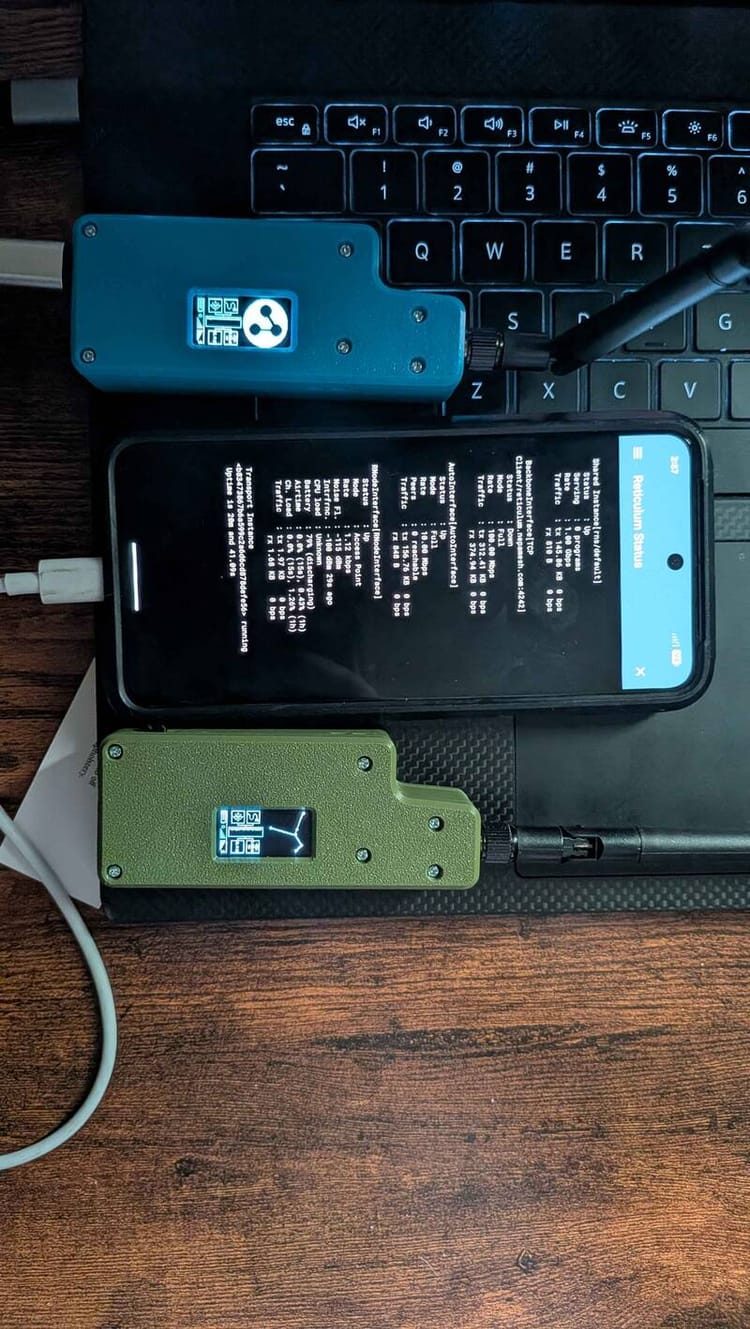
NEPAMesh picked up two new pieces of infrastructure this month, both on Reticulum, a separate off-grid networking stack running in parallel with the LoRa mesh this recap otherwise covers. Neither replaces Meshtastic or needs a radio. Both sit behind the same TCP gateway, reticulum.nepamesh.com on port 4242, that's been live since last month.
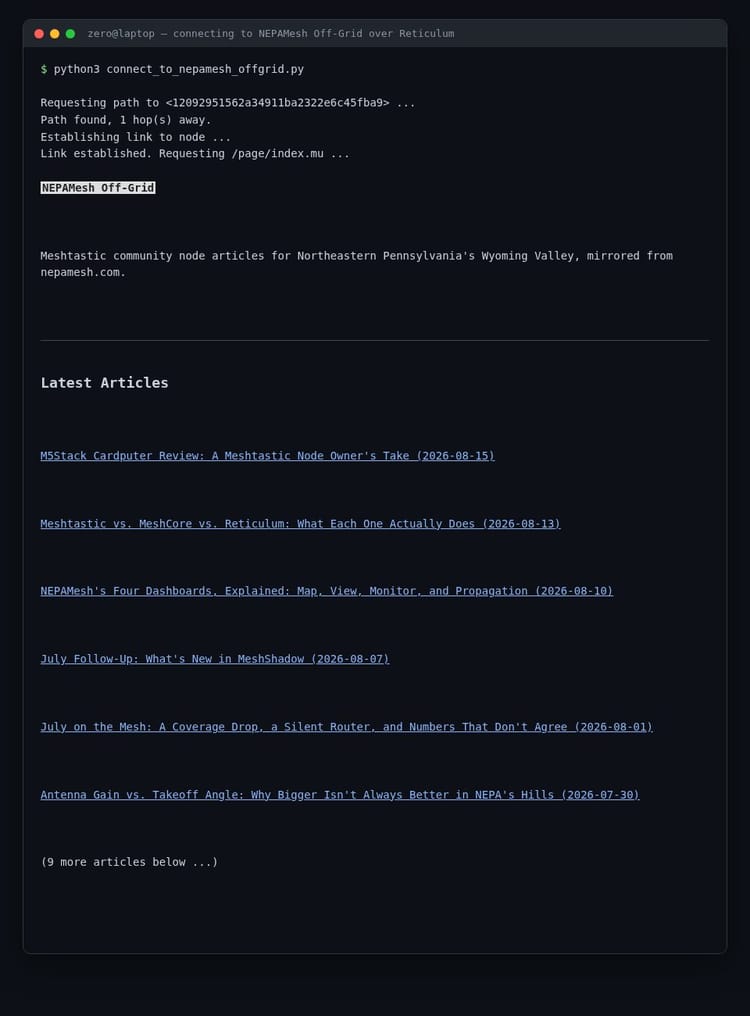
NEPAMesh Off-Grid mirrors the entire nepamesh.com article archive as plain-text NomadNet pages, readable from a terminal with no browser and no ads, syncing in new posts roughly every thirty minutes. Full setup and screenshots: NEPAMesh Off-Grid: NEPAMesh Articles on Reticulum and NomadNet.
NEPAMesh BBS is an actual bulletin board, message boards, file areas, and door games including the real 1990 Trade Wars 2002 binary, running on the ENiGMA½ engine and bridged onto Reticulum through rnsh. Full walkthrough, Windows through Android: The NEPAMesh BBS: A Complete Guide, Windows Install to Downloading Files.
Finding either one from NomadNet:
- Install NomadNet:
pip install nomadneton Windows, Mac, or Linux (Python 3 required). Android users can skip Python and use Columba instead. - Launch
nomadnet, press Ctrl+N to open the Network pane, and wait for an announce from NEPAMesh Off-Grid to show up, or connect directly if you already have its address. - For the BBS specifically, install
rnshalongside NomadNet (pip install rns rnsh) and connect straight to its address:rnsh 9528c9475af00f4a93bd01f938c73c4b.
Point it at NEPAMesh's gateway. Add this to ~/.reticulum/config under [interfaces]:
  [[NEPAMesh Public Gateway]]
    type = TCPClientInterface
    enabled = Yes
    target_host = reticulum.nepamesh.com
    target_port = 4242
Both of these are covered in more depth, along with the rest of what's running on NEPAMesh's Reticulum node, in the full Reticulum primer from earlier this month.
NEPAMesh Wants More Writers
The blog runs on whoever's willing to write something up, and right now that's a short list. If you've built a node, solved a problem, or just have something to say about running mesh gear in this area, that's a post. You don't need permission for the topic and you don't need to be an expert, you just need to have actually done the thing.
Say so in the Discord, or talk to us in person at the next meetup: September 13 at Hackworks in Luzerne.
What's Coming
Refining the airborne check to look at consecutive fixes instead of single samples is next on the list. Sandworm and Chani stay open questions. More once there's something to report.
NEPAMesh is a community Meshtastic network covering Northeastern Pennsylvania's Wyoming Valley. Live map at map.nepamesh.com. Questions in the Discord.
Meshtastic is a registered trademark of Meshtastic LLC. No warranty is provided. Use at your own risk. This post is not endorsed by or affiliated with Meshtastic LLC.