NEPAMesh Off-Grid: NEPAMesh Articles on Reticulum and NomadNet
NEPAMesh's blog now has a second address: a Reticulum network node called NEPAMesh Off-Grid. It mirrors the full nepamesh.com archive, every article published so far, as plain-text pages, readable from a terminal client with no web browser and no ads, over a protocol built specifically for links that are slow, unreliable, or don't touch the internet at all.
This post covers what NEPAMesh Off-Grid actually is, how it's reachable today, and how to connect to it from Windows, Mac, Linux, and Android.
What Reticulum and NomadNet Are
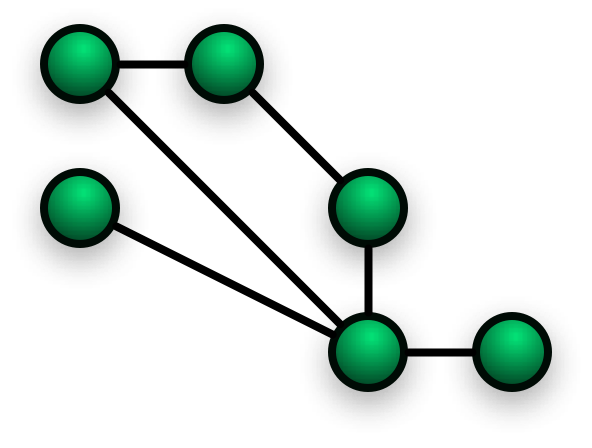
Reticulum is a separate networking stack from Meshtastic, built by Mark Qvist for the same kind of links Meshtastic targets: LoRa radio, packet radio, serial connections, and plain TCP, all mixed together with no fixed addresses and no central server. NomadNet is the terminal client built on top of it, and it does two things at once: it's an encrypted messenger, and it's a browser and page server for a text-only web of its own. Pages are written in a lightweight markup called Micron instead of HTML, which keeps them small enough to move over links measured in kilobits per second rather than megabits.
Reticulum and Meshtastic don't interoperate. A Meshtastic node won't pick up NEPAMesh Off-Grid on its own, and this isn't a replacement for the LoRa mesh NEPAMesh already runs. It's a parallel network for anyone who's already in the Reticulum and LXMF world, or curious enough to try it.
How to Reach It Today
NEPAMesh Off-Grid runs on the same VPS as map.nepamesh.com's backing infrastructure, hosted from a public Reticulum transport node at reticulum.nepamesh.com, port 4242. Right now that means reaching it takes an internet connection: the entrypoint is a plain TCP socket, not a radio link. Reticulum is designed so the same NomadNet client works identically whether it's talking over TCP, a LoRa radio, or a packet radio TNC, so the path to real off-grid access without any internet in the loop is already there. It's a question of someone adding an RF interface to the transport node, not rebuilding the node itself.
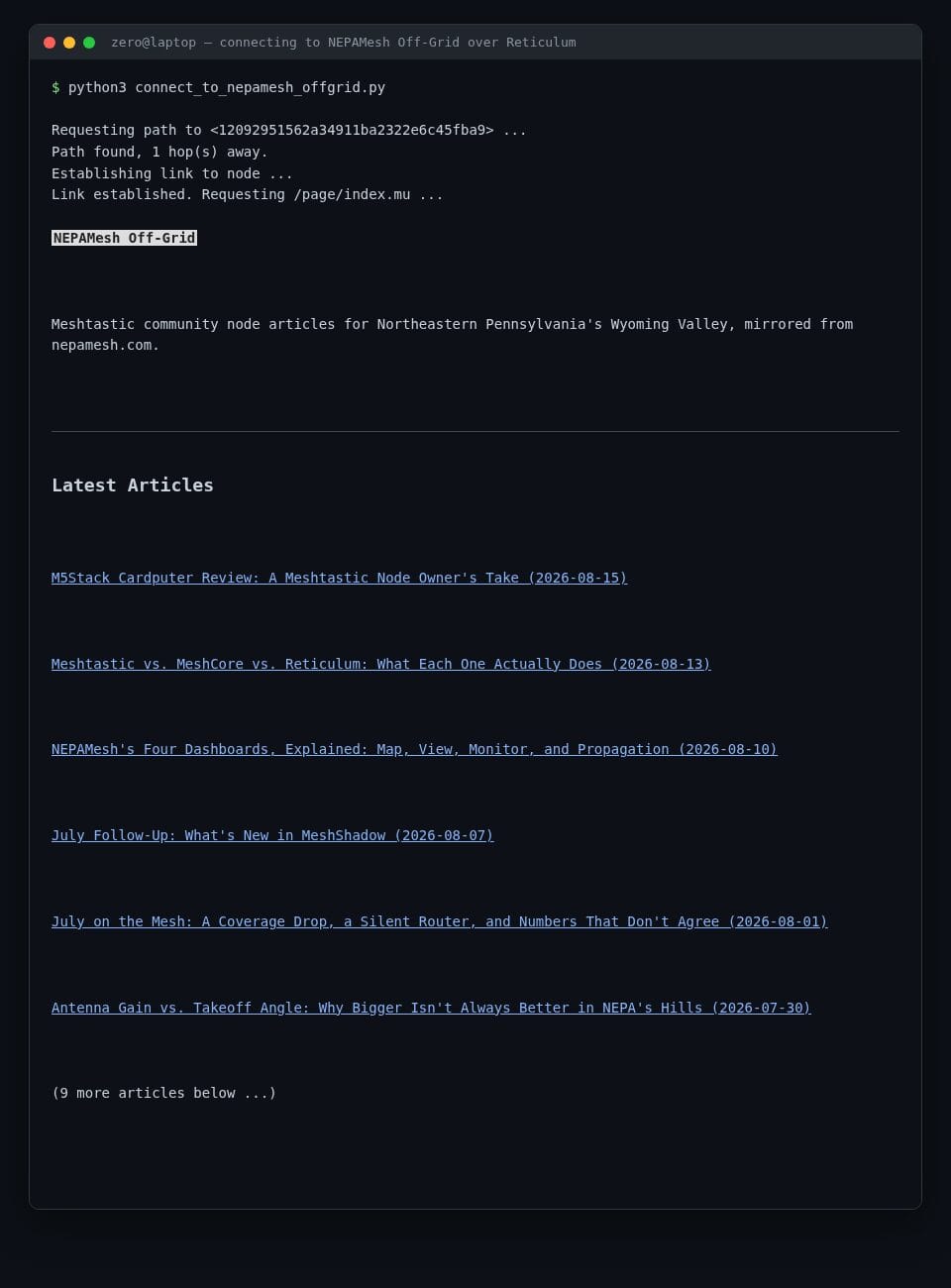
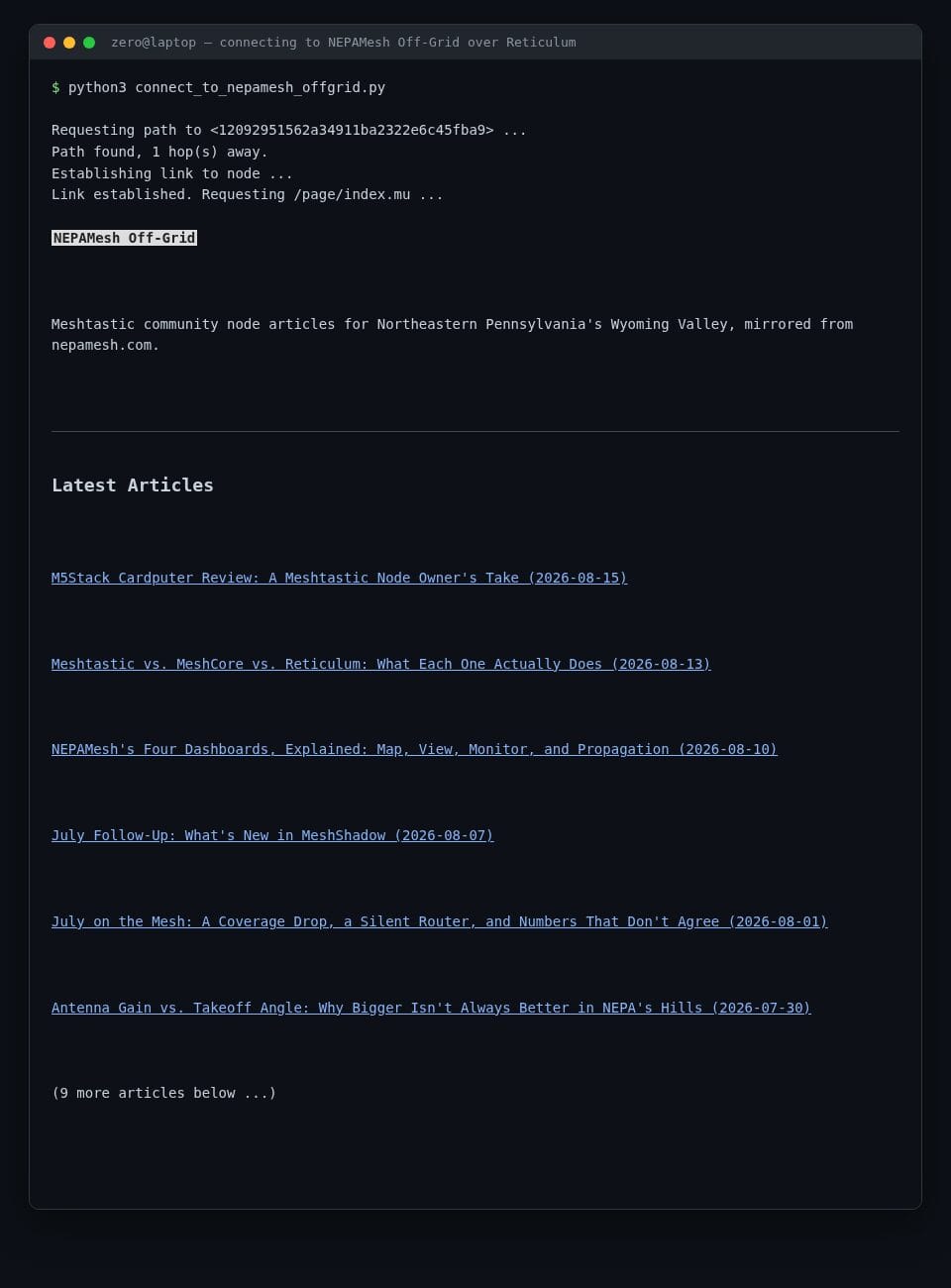
Once connected, here's what browsing the node over Reticulum actually looks like from a fresh client, a couple thousand miles from the VPS itself.
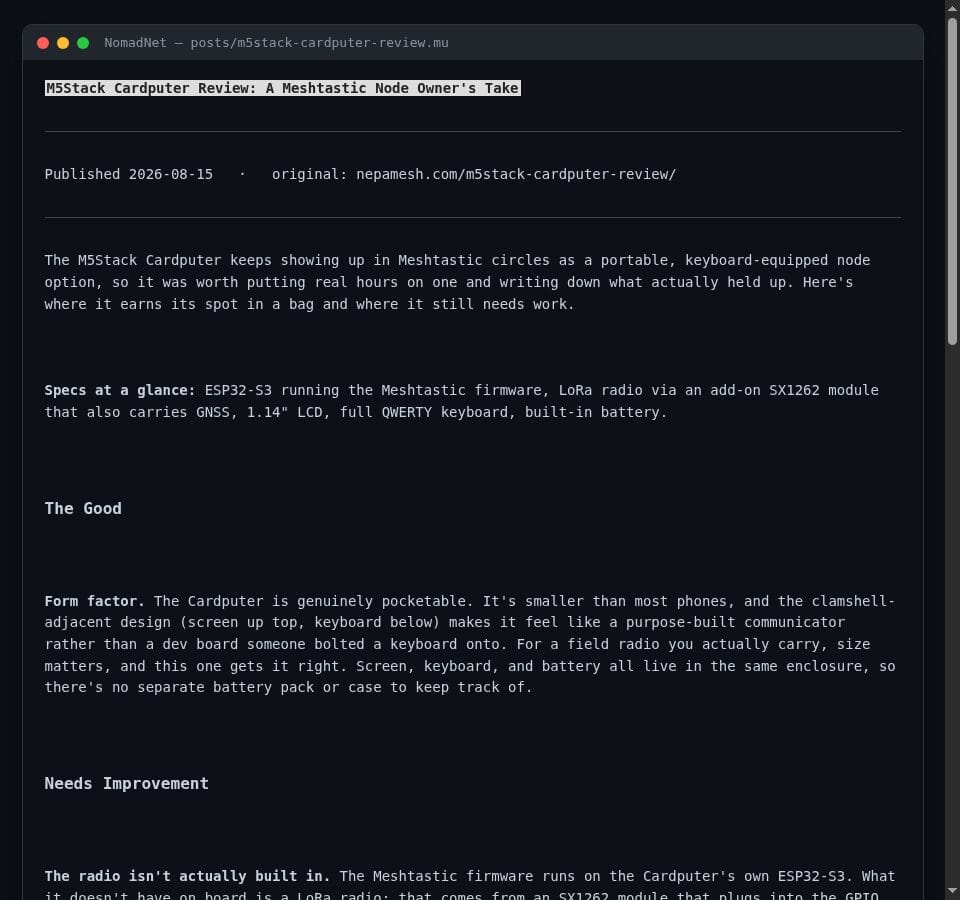
And here's one of the mirrored articles as NomadNet renders it, plain text with just enough formatting to stay readable:
Installing a Client
NomadNet is a Python package, so the same install works on Windows, Mac, and Linux:
pip install nomadnetWindows and Mac users need Python 3 installed first (get it from python.org; Mac users can also use brew install python). Once it's installed, run nomadnet from a terminal, Command Prompt, or PowerShell window to launch the text interface. The official NomadNet repository has the full README, and Let's Decentralize's NomadNet walkthrough is a more hand-holding, step-by-step version if the bare install command isn't enough on its own.
On Android, skip Python entirely and use Columba, a native Reticulum and LXMF client that also browses NomadNet pages. Grab the APK from its releases page and add a TCP interface from inside the app the same way described below.
Adding NEPAMesh Off-Grid as an Interface
NomadNet rides on Reticulum's own config file, usually at ~/.reticulum/config (on Windows, that's your user folder, something like C:\Users\YourName\.reticulum\config). Add this block under [interfaces]:
  [[NEPAMesh Off-Grid Gateway]]
    type = TCPClientInterface
    enabled = Yes
    target_host = reticulum.nepamesh.com
    target_port = 4242
Restart NomadNet, press Ctrl+N to open the Network pane, and wait for an announce from NEPAMesh Off-Grid to show up, or connect directly if you already have its address. From there it's a normal NomadNet page browse: select the node, and its index page loads with links to every mirrored article.
What's Actually There
The node carries the entire nepamesh.com archive: all 35 articles published so far, not just the newest ones. New posts sync in from the site's RSS feed roughly every thirty minutes, and since RSS only ever exposes the latest handful, a sitemap pass runs alongside it to catch anything RSS never carried, which is how the older posts get in and stay in. Images are stripped out during conversion; a single photo can be larger than an entire text article, and this exists specifically for links where that tradeoff matters.
NEPAMesh is a community Meshtastic network covering Northeastern Pennsylvania's Wyoming Valley. Live map at map.nepamesh.com. Questions in the Discord.
Meshtastic is a registered trademark of Meshtastic LLC. No warranty is provided. Use at your own risk. This post is not endorsed by or affiliated with Meshtastic LLC.