Meshtastic Node Roles: Why Most of Us Should Be on CLIENT_MUTE
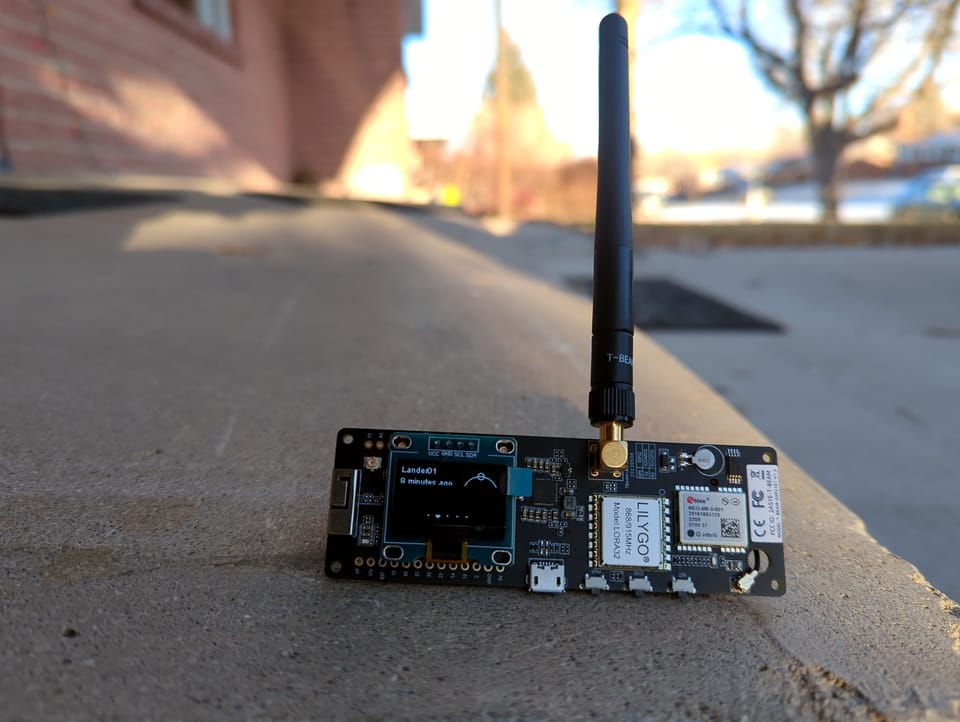
The role setting is probably the most misunderstood configuration option in Meshtastic. Most people leave it at the default, assume it doesn't matter much, and move on. But your role determines how your node behaves on the mesh, whether it routes traffic for others, how aggressively it participates, and whether it's helping the network or quietly working against it. Getting this wrong doesn't break anything obviously. It just makes the mesh a little worse, one misconfigured node at a time.
Here's what each role actually does and which one belongs on your device.
How Meshtastic Routes Packets
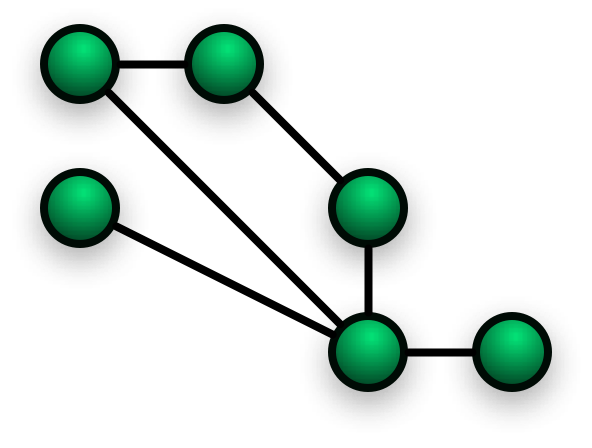
Before the roles make sense, you need a quick picture of how Meshtastic handles packet delivery. It uses a flood mesh: when a node transmits, every node that hears the packet decides whether to rebroadcast it. The goal is to get the packet across the network by hopping from node to node until it reaches its destination. Each rebroadcast costs airtime and battery. Unnecessary rebroadcasts add congestion without adding coverage.
Your role tells your node how to participate in that process. A node that routes traffic for others uses more battery and contributes more to channel utilization. That tradeoff is worth it when the node is well-placed. It isn't when the node is on the valley floor with no clear path to the network, or when it's a handheld radio bouncing around in your truck.
The Roles
CLIENT_MUTE
CLIENT_MUTE is the role for nodes that need to participate in the mesh without routing for others. Your node can send and receive messages normally. It connects to the network, shows up on the map, and works as you'd expect. What it doesn't do is rebroadcast packets it hears from other nodes.
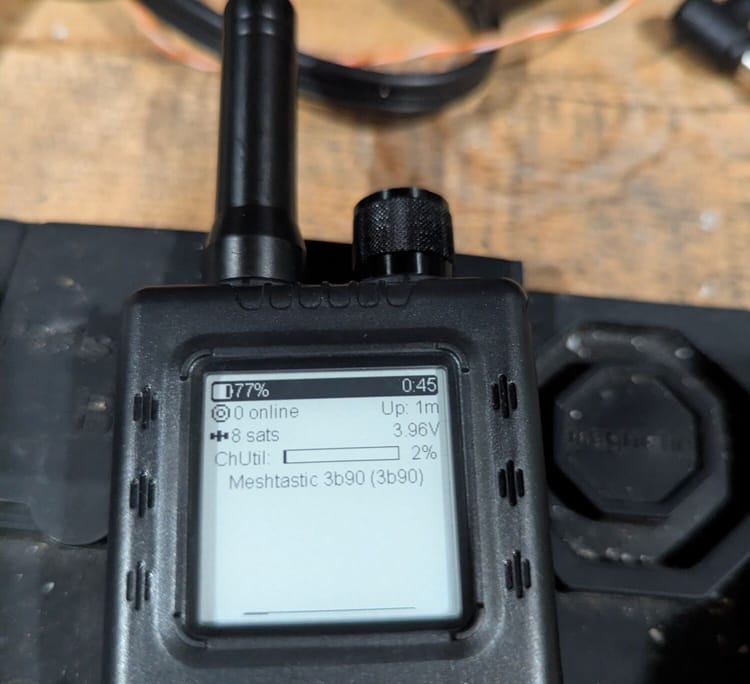
This is the right setting for any mobile node. Phone app connected over Bluetooth, a handheld in your bag, a node in your car, a T-Echo clipped to a pack for a hike. Here's why: a mobile node's routing table is unreliable. You're moving. The nodes you could hear five minutes ago may not be the ones you can hear now. If the mesh routes traffic through you based on what you advertised when you were on top of the ridge, and you're now in the valley, those packets are going to die. CLIENT_MUTE prevents that. You use the mesh; you don't pretend to be infrastructure.
Battery life is the other reason. Routing takes real energy. Every packet your node rebroadcasts is a radio transmission. A handheld on CLIENT_MUTE on a long day will outlast the same hardware on CLIENT by a meaningful margin.
If you're not sure whether your mobile node should be CLIENT_MUTE, it should be CLIENT_MUTE. Of course, if your in an area without the infrastructure (ROUTER) nodes, CLIENT is a better option.
CLIENT
CLIENT is the default and the right setting for a stationary node at a fixed location, a home node, a node at a business, a node mounted on a building. It participates in routing. If another node's packet comes through and your node can relay it, it will.
A stationary node on CLIENT is actually useful to the mesh. Your location doesn't change. The nodes you can reach are consistent. The mesh can build a reliable picture of what traffic should flow through you, and that picture stays accurate. A home node on CLIENT in a reasonably elevated location can bridge neighbors who can't otherwise hear each other. That's exactly what the mesh needs.
CLIENT on a low-elevation stationary node, say, a basement window or a first-floor apartment, isn't going to do much for routing, but it won't harm anything either. You'll route for nodes near you and that's fine. Leave it on CLIENT.
ROUTER
ROUTER is infrastructure mode. It tells the mesh that your node is a dedicated relay point. The firmware adjusts its behavior accordingly: it accepts packets with higher hop counts, retransmits more aggressively, and prioritizes routing over everything else. Other nodes give router nodes preference when deciding where to send traffic.
This is powerful when the node is actually in a position to do the job. A ROUTER node at 1,800 feet on the Elk Mountain ridgeline, with clear line of sight across the Wyoming Valley and into Sullivan County, earns that preference. It deserves to be treated as infrastructure because it is infrastructure.
A ROUTER node on a windowsill in Scranton is a different story. It's advertising itself as a preferred relay point. The mesh will try to route traffic through it. And it's surrounded by buildings, sitting at valley-floor elevation, with no particularly useful position in the network. It's not just unhelpful, it actively pulls traffic toward a suboptimal path. Other nodes that would have found a better route may not, because your node raised its hand and said "send it through me."
The rule for ROUTER is simple: if you're not deliberately building infrastructure at a high point with clear line of sight to a meaningful portion of the network, don't use it. If you're asking yourself whether you qualify, you probably don't. High points in NEPA that justify ROUTER deployment include ridge crests (Moosic Mountain, Elk Mountain, Spring Mountain, North Mountain), elevated water towers with rooftop access, and existing communications tower sites. A ham tower on a ridge with a clear view to the valley is a ROUTER candidate. A rooftop mount in a dense residential neighborhood is not.
ROUTER_CLIENT
ROUTER_CLIENT combines router behavior with user-facing messaging. Same aggressive routing, but you can still send and receive messages through the device's own interface. Most dedicated infrastructure nodes use ROUTER rather than ROUTER_CLIENT because a relay node usually doesn't need a user-facing interface. If you're building a solar relay node on a ridge, use ROUTER. ROUTER_CLIENT is for the unusual case where you need a node to both anchor the network and serve as a personal radio.
REPEATER
REPEATER is pure relay mode with no user messaging at all. It doesn't show up on the mesh with a name or position. It just forwards packets. This is the right mode for a node you're installing purely to extend coverage, with no intention of ever messaging from it directly. It's silent infrastructure. Some builders use REPEATER for solar nodes at high points where there's no reason for the node to identify itself or appear on the map as an addressable device.
CLIENT_HIDDEN
CLIENT_HIDDEN works like CLIENT_MUTE but also suppresses the node's own position and NodeInfo broadcasts. Your node doesn't show up on the map or in other users' node lists. This has limited practical use for most NEPAMesh participants, it's there for situations where you specifically don't want the node to advertise its presence. Ignore it unless you have a specific reason to hide.
The Short Version
Mobile node (handheld, vehicle, hiking): CLIENT_MUTE. You're using the mesh, not serving it.
Stationary home or fixed-location node: CLIENT. You're part of the mesh and can usefully relay local traffic.
Dedicated infrastructure node at a high point with real line of sight: ROUTER. You're building the backbone, and the node deserves that role.
When in doubt, CLIENT_MUTE costs you nothing and harms nothing. Setting a mobile or poorly-placed node to ROUTER causes real problems even if they're not immediately obvious.
Where to Change the Setting
In the Meshtastic app, go to Radio Configuration and then Device. The Role dropdown is near the top. Change it, tap Send, and the node restarts with the new setting. That's it.
If you're configuring via the Python CLI:
meshtastic --set device.role CLIENT_MUTEValid values are CLIENT, CLIENT_MUTE, CLIENT_HIDDEN, ROUTER, ROUTER_CLIENT, and REPEATER.
Check your node's current role with:
meshtastic --infoIt'll show up in the device config section of the output.
What to Do If You've Been Running ROUTER
Change it to CLIENT or CLIENT_MUTE depending on whether the node is stationary or mobile. The mesh will adjust. Other nodes will stop preferring you as a relay point and find better paths. You'll probably see slightly different routing in your area for a few hours while everything settles, and then things will normalize. No lasting harm done.
If you genuinely are on a high point and running ROUTER legitimately, leave it. But check the shadow map at propagation.nepamesh.com and see whether your node is actually bridging coverage gaps. If it is, great. If it's sitting in a sea of existing coverage without adding much, you might consider whether a quieter role wouldn't serve the network equally well without the overhead.
The NEPAMesh network gets more useful as nodes are configured correctly. A hundred CLIENT_MUTE mobile nodes and a dozen well-placed ROUTER infrastructure nodes beats a hundred nodes all claiming to be routers and stepping on each other's traffic. The right role in the right place, that's how the mesh actually grows.
Questions about your specific situation: post in the NEPAMesh Discord and we'll help you figure out where your node fits.
Meshtastic is a registered trademark of Meshtastic LLC. No warranty is provided, use at your own risk. This post is not endorsed by or affiliated with Meshtastic LLC.You